Your meetings.
Your files.
Your AI.
Record meetings on your Mac, transcribe with your own AI keys, and export clean notes without a justREC cloud account.
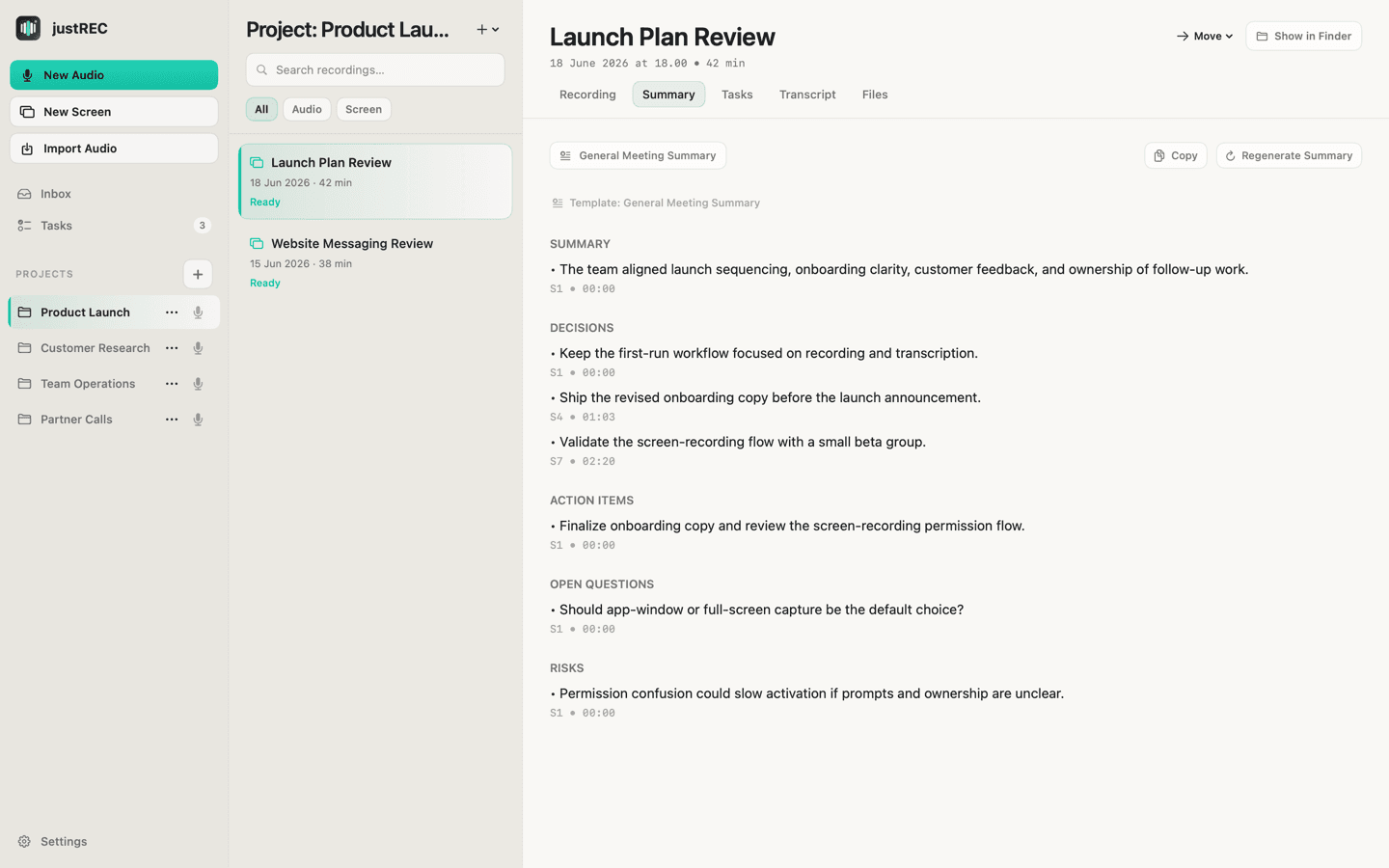
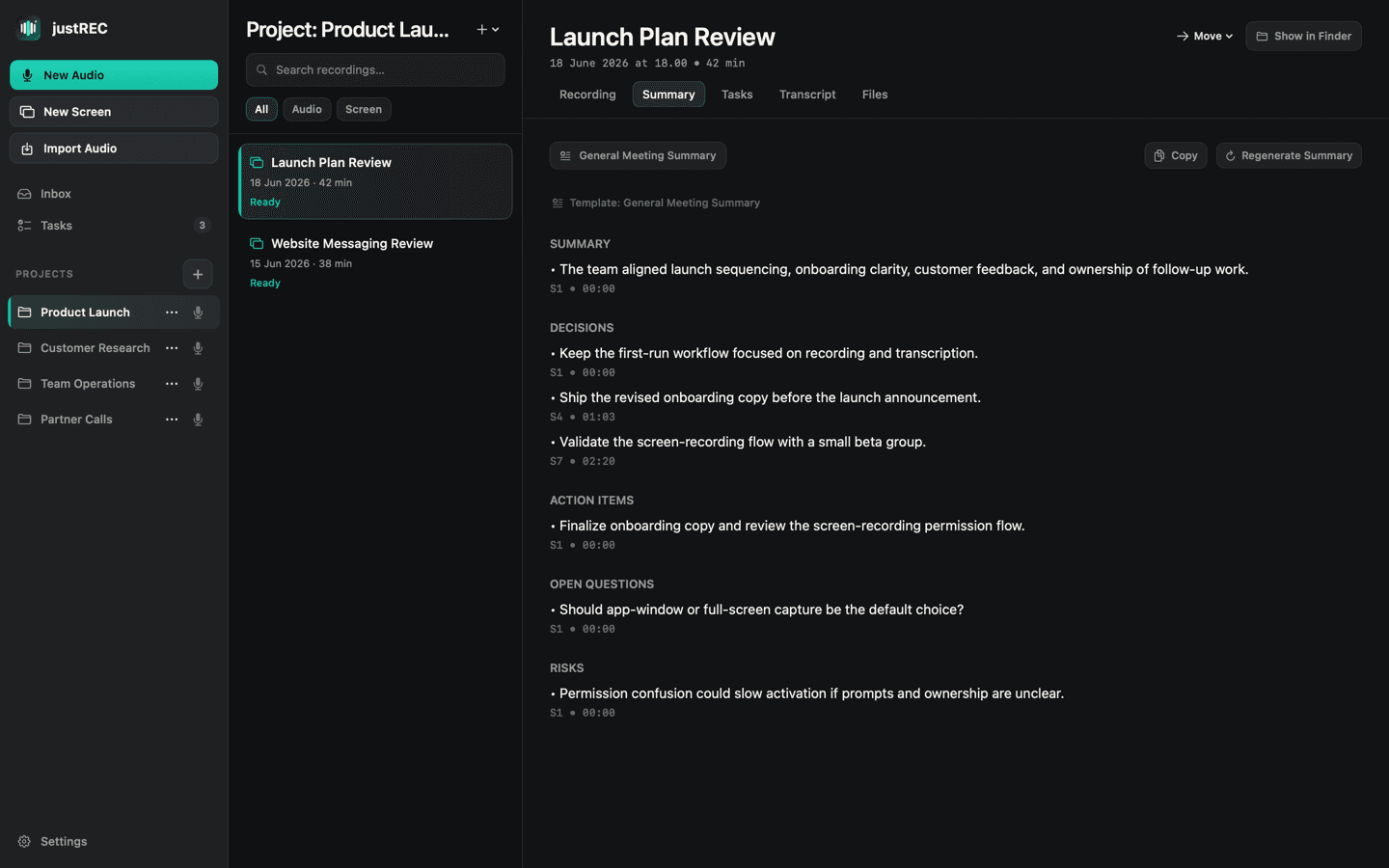
From meeting audio to useful files, all on your machine.
Take a look inside justREC
Explore the powerful, private, and local-first workflows designed for macOS.
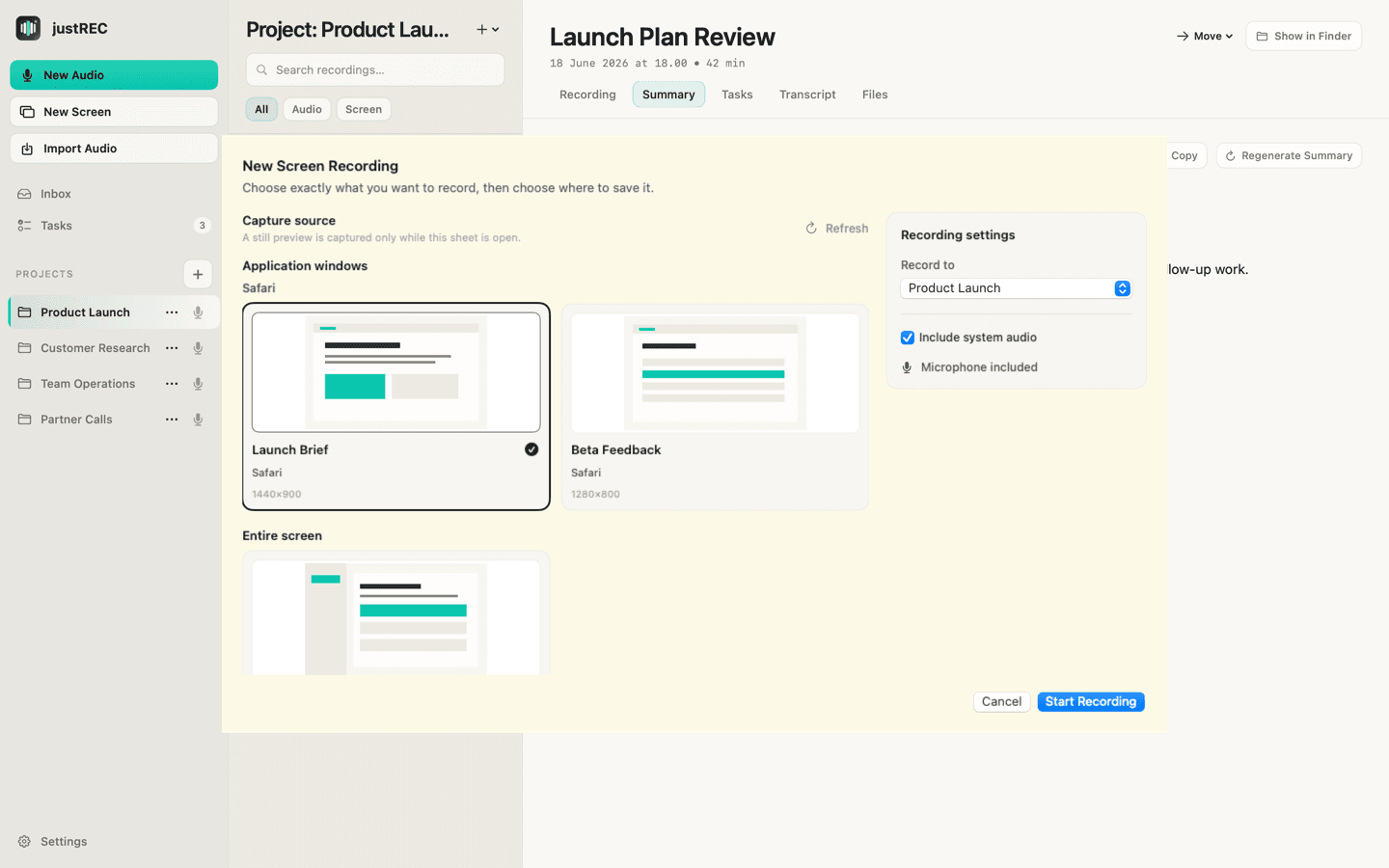
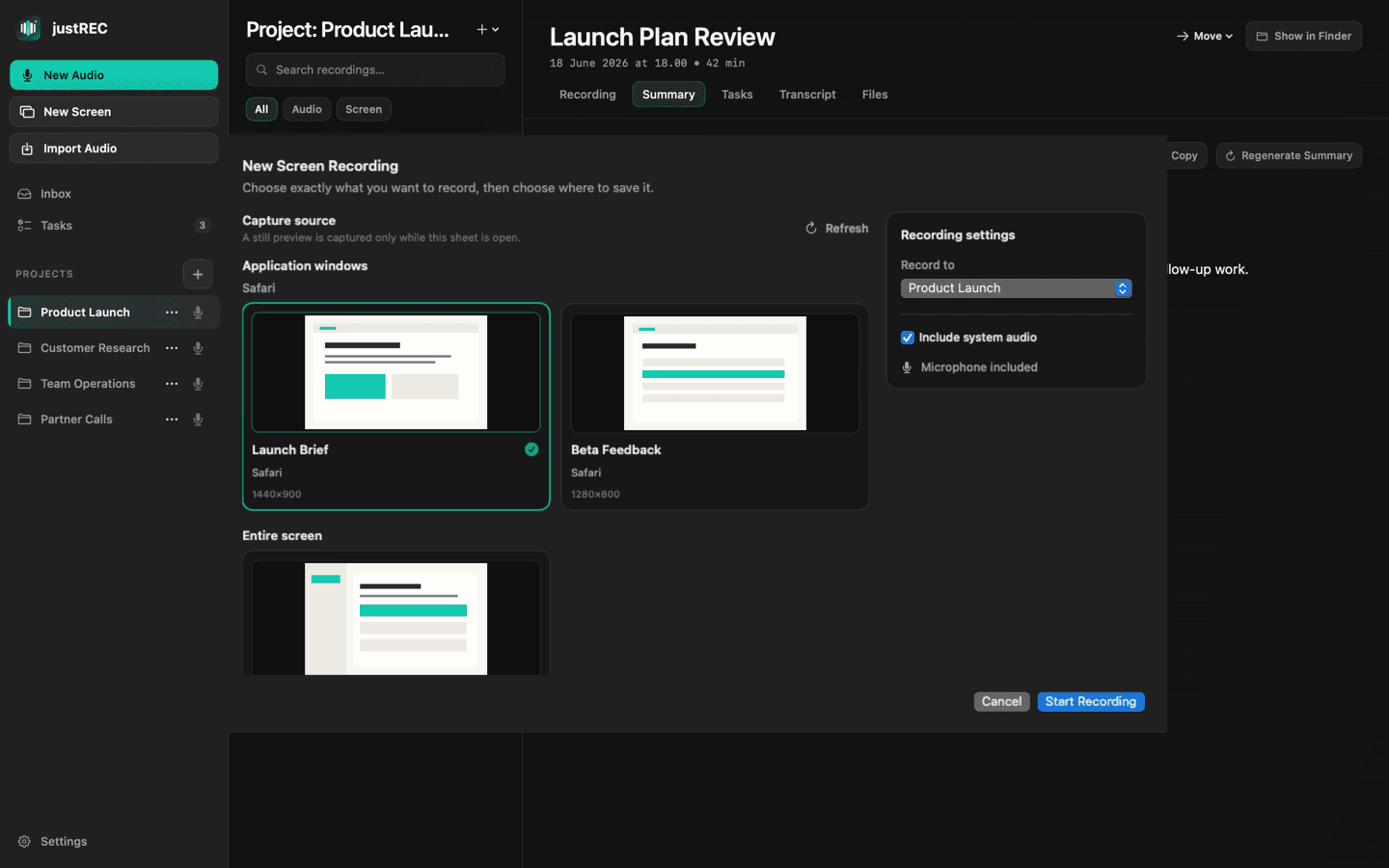
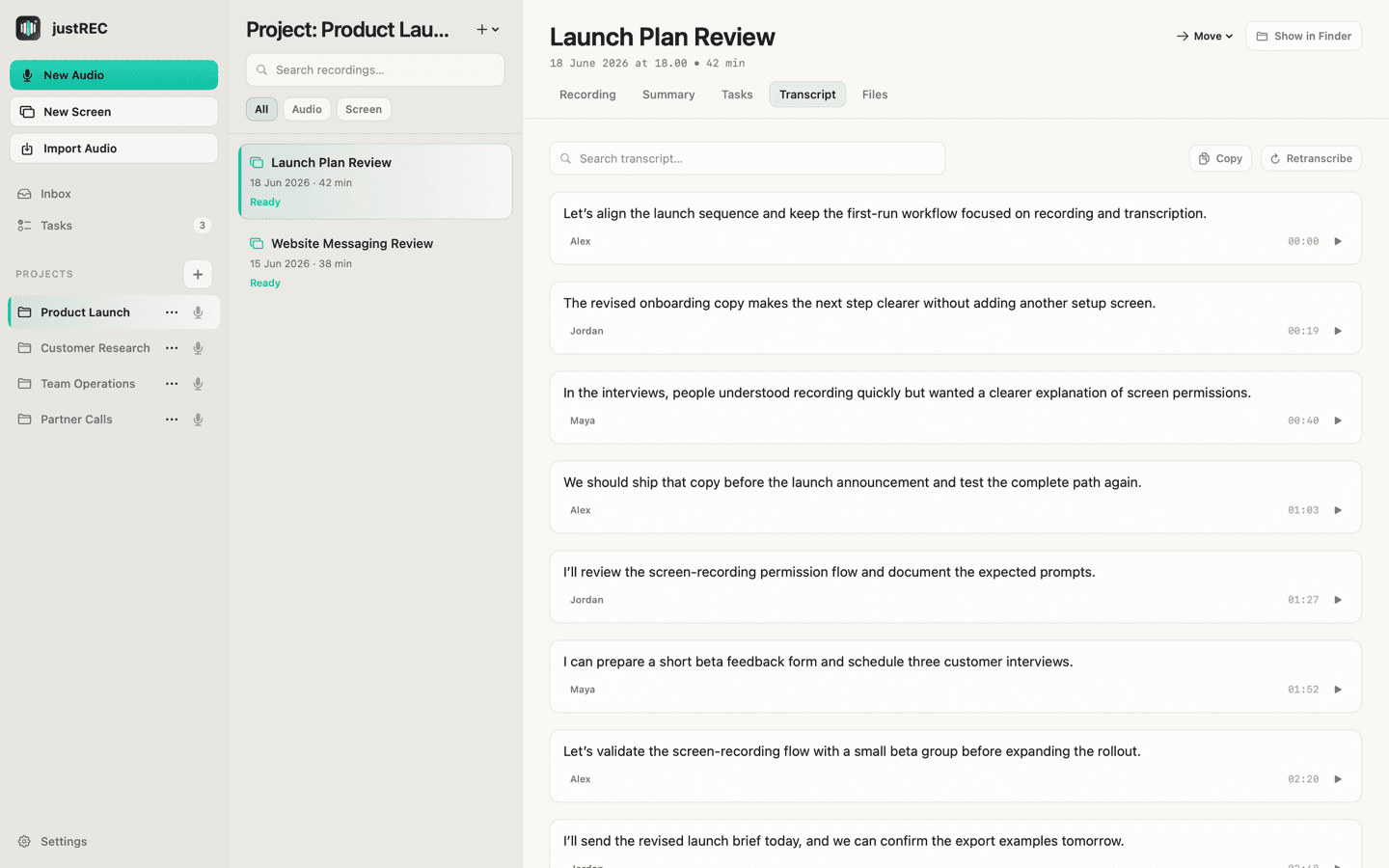
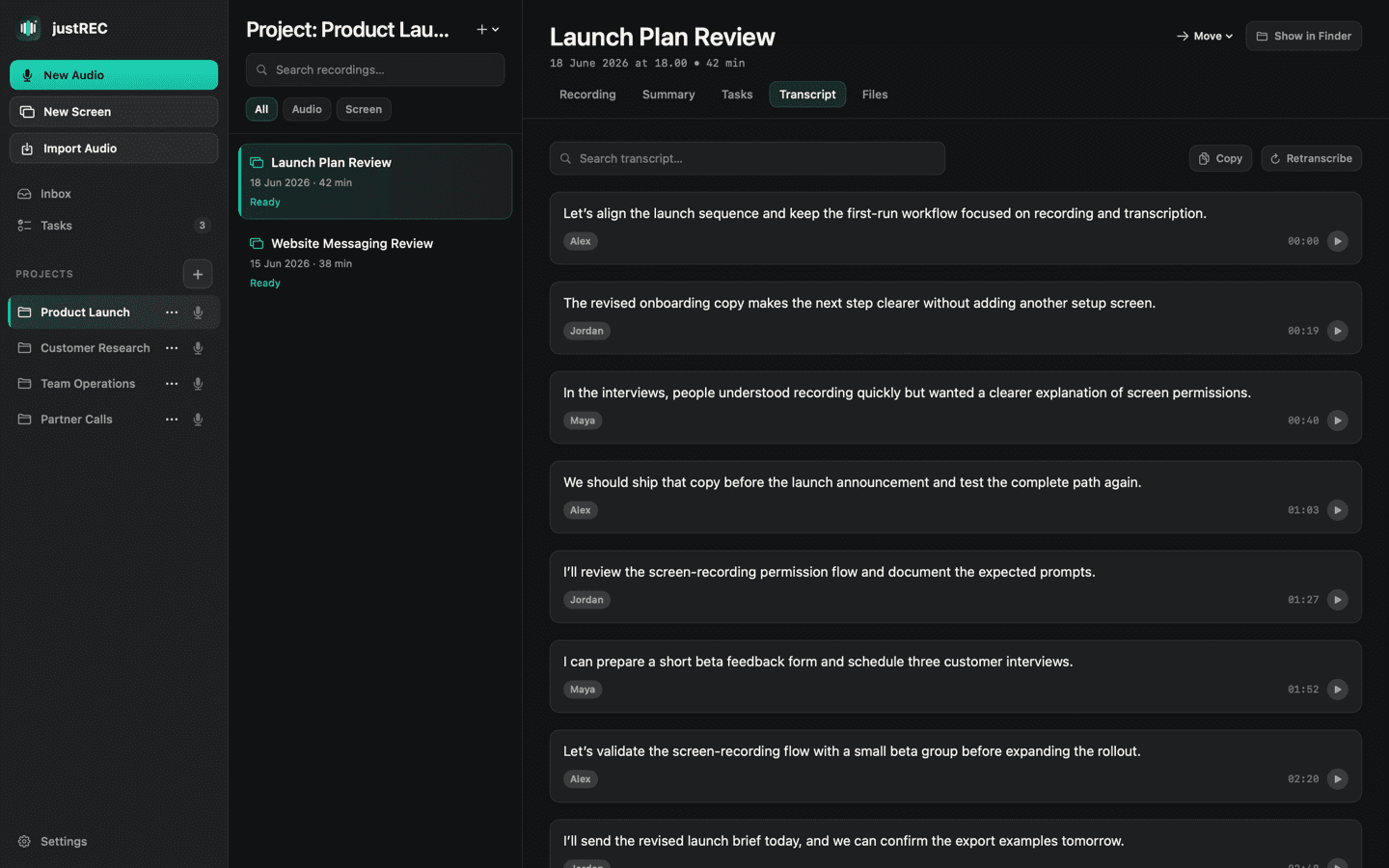
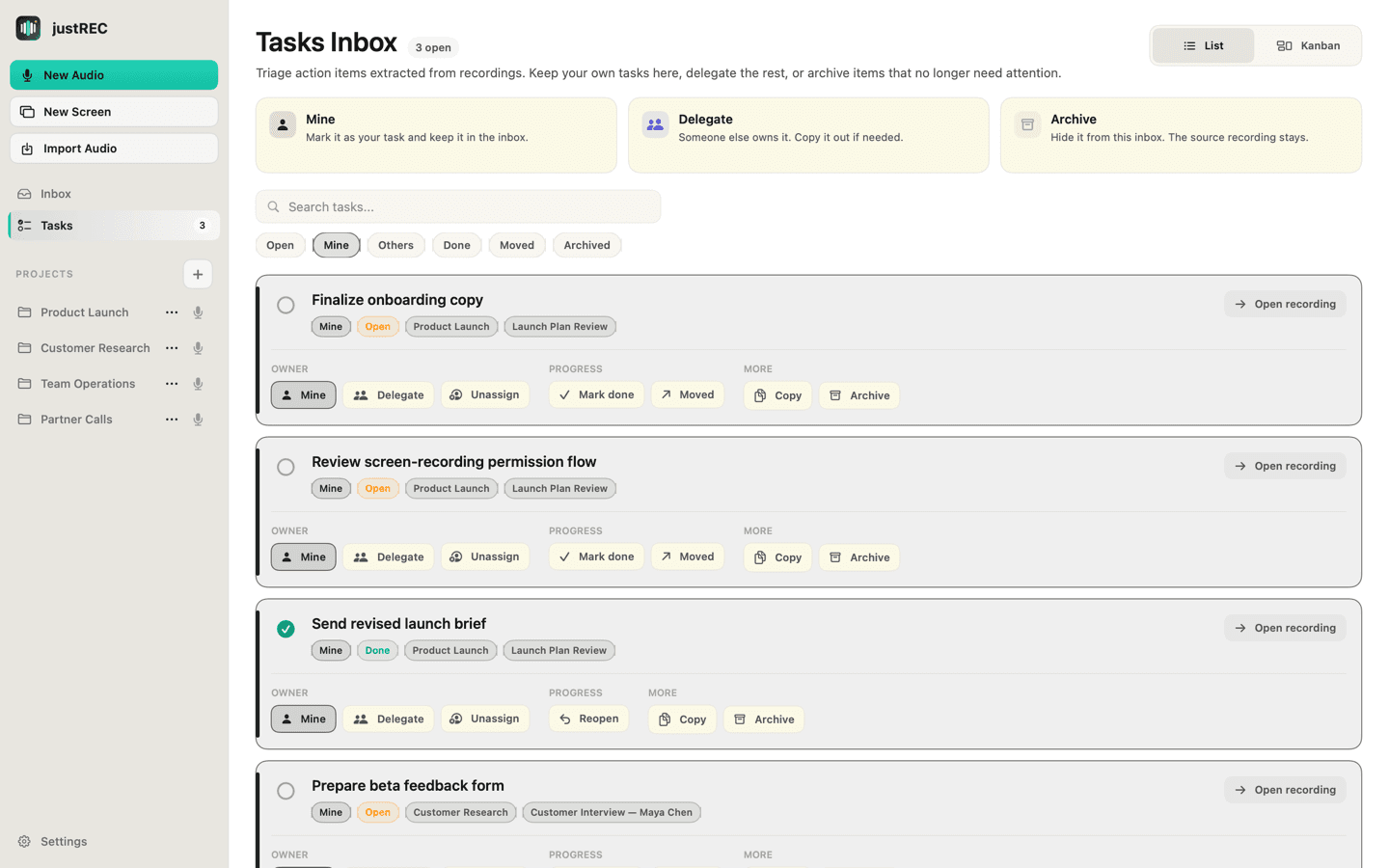
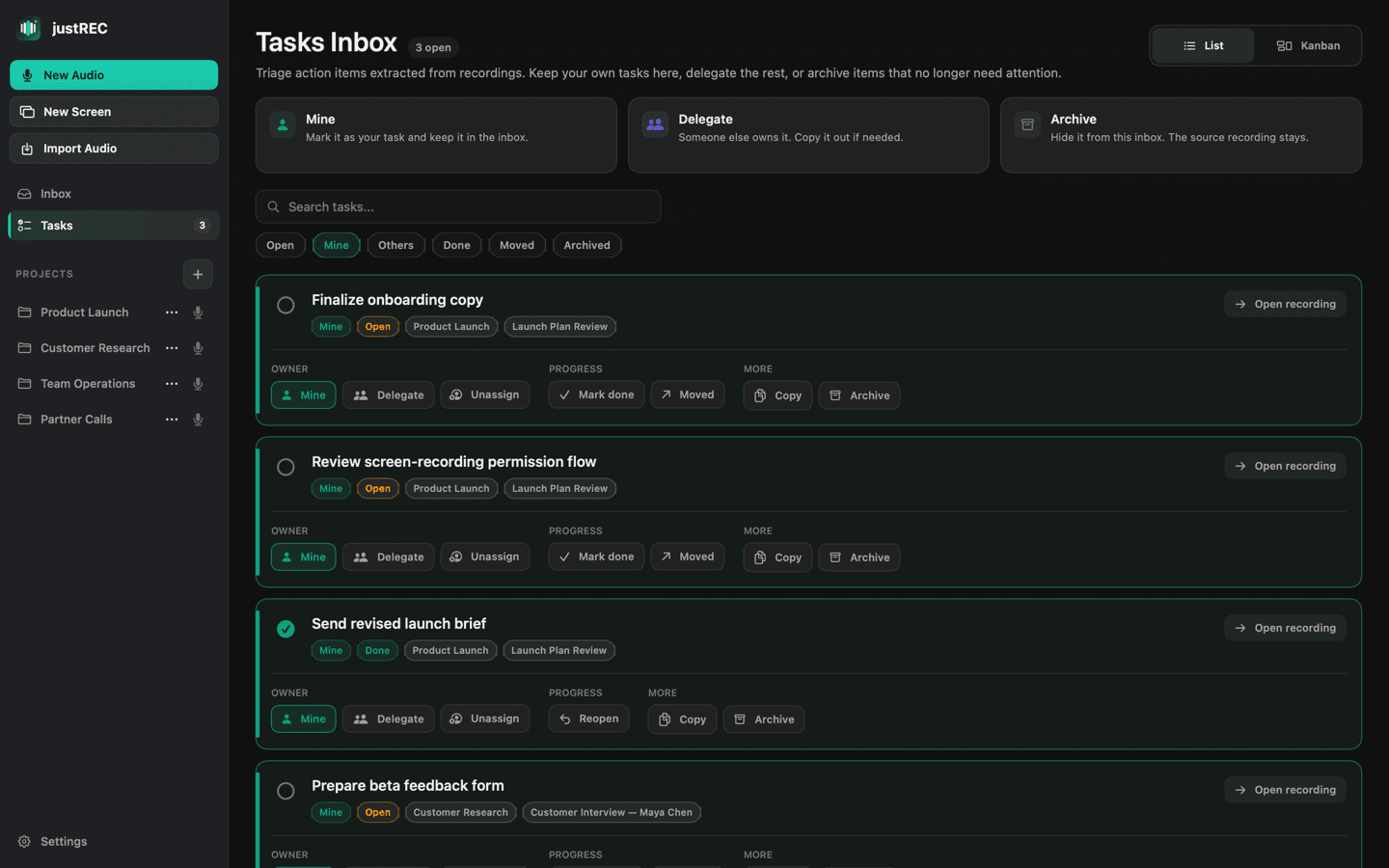
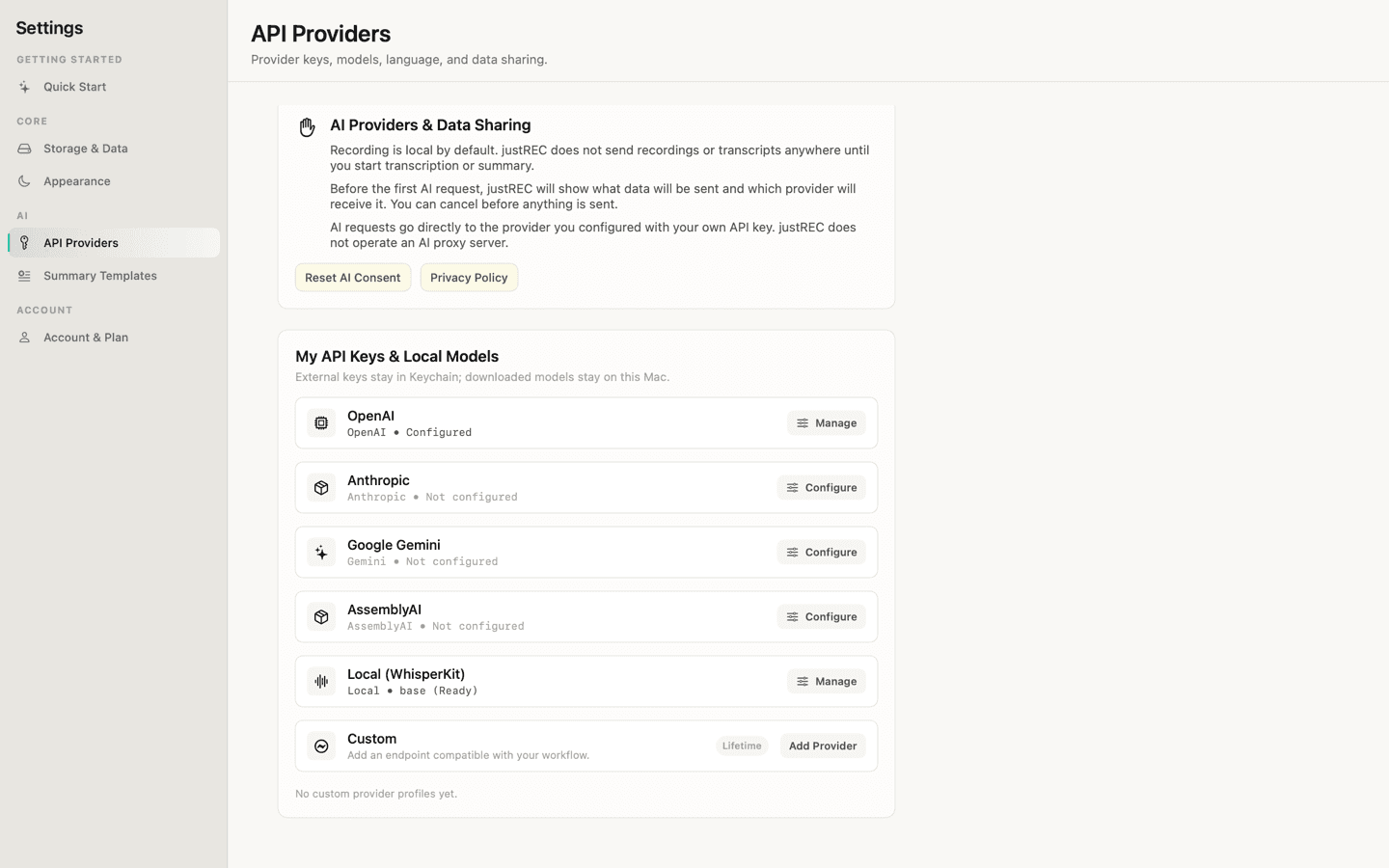
Inbox & Dashboard
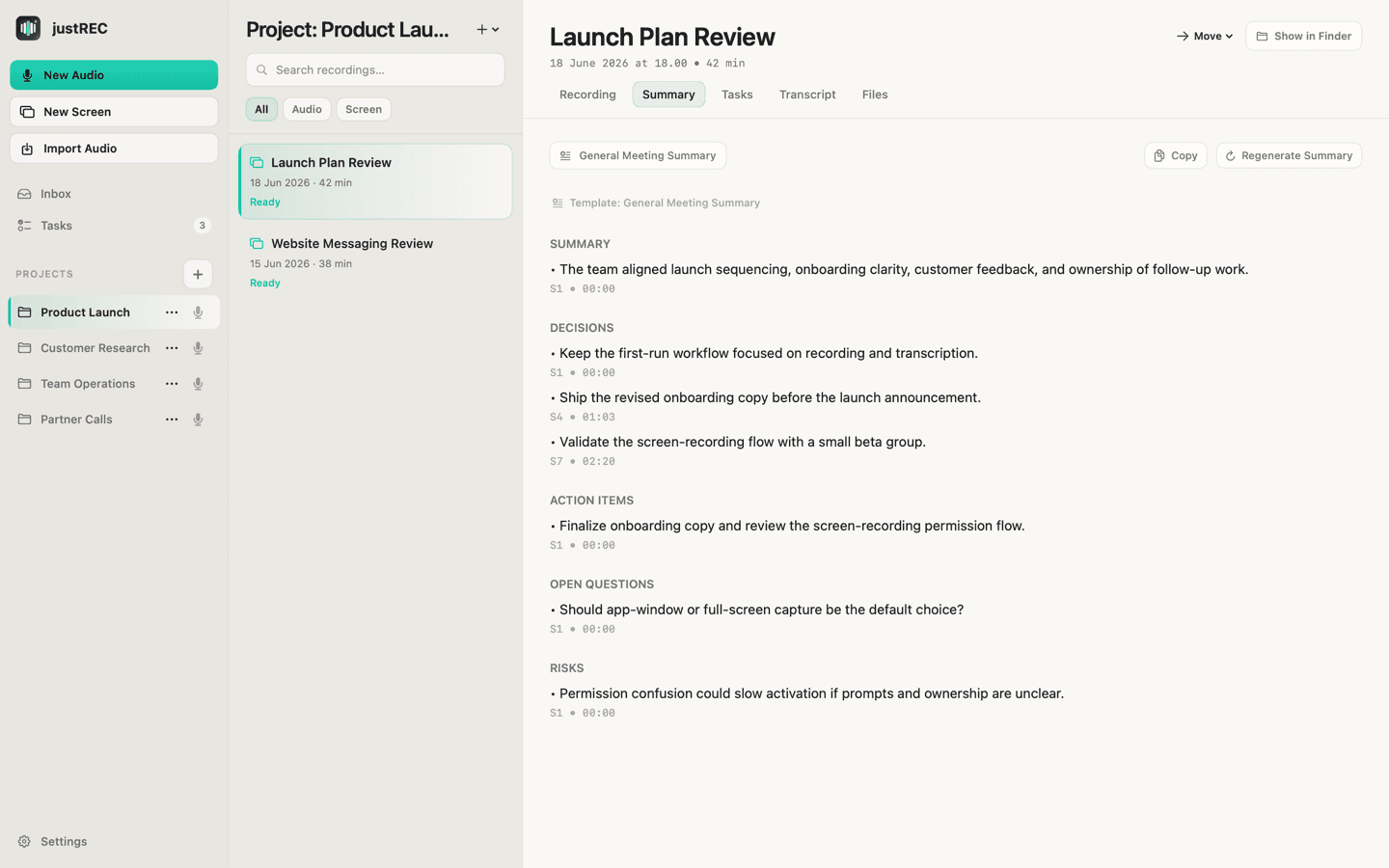
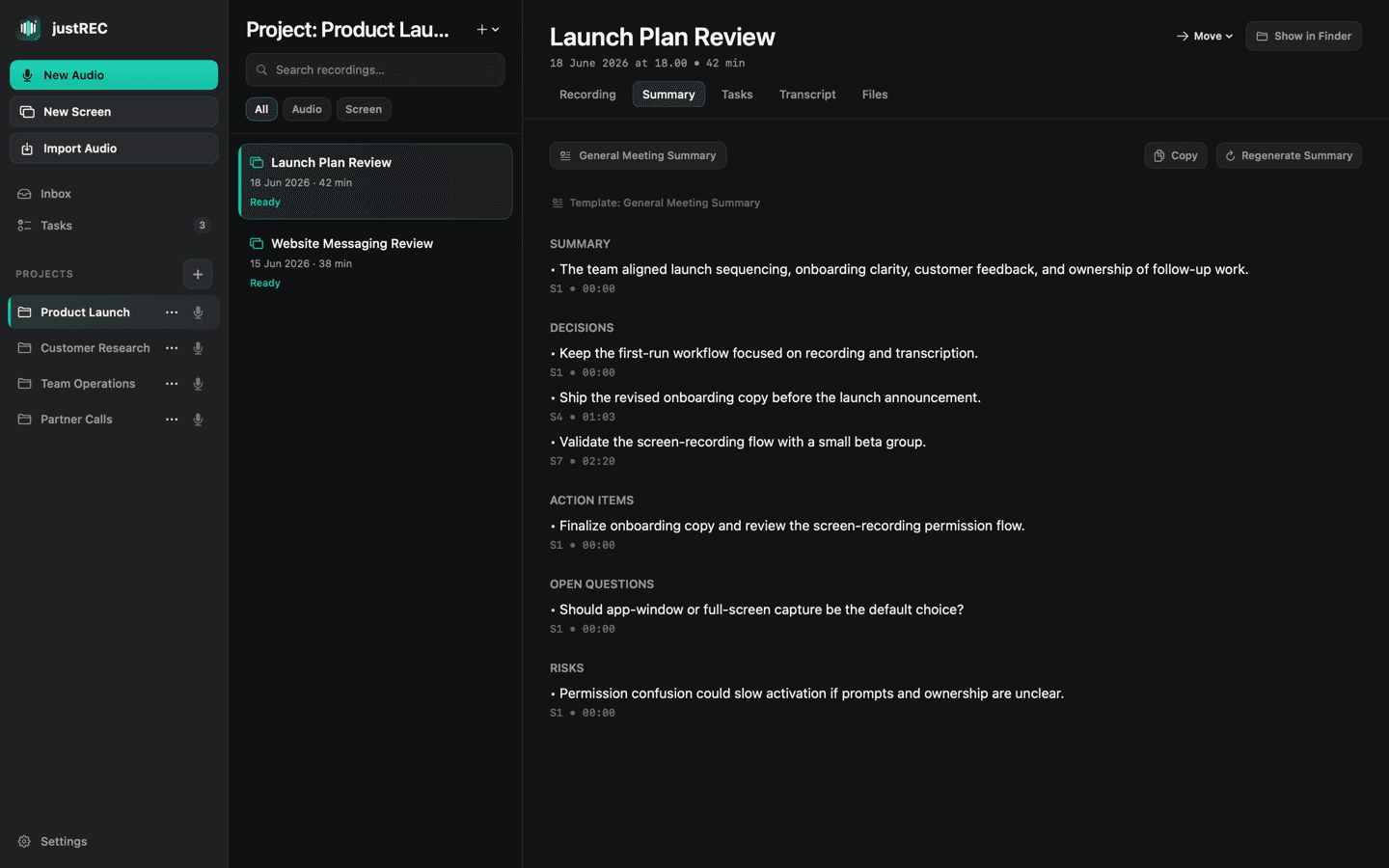
See all your meetings, recordings, and transcripts in a simple, local-first folder structure. Search meetings and track status instantly.
| Name | Date Modified | Size |
|---|---|---|
| audio.m4a | Today, 2:45 PM | 4.2 MB |
| transcript.md | Today, 3:01 PM | 45 KB |
| summary.md | Today, 3:02 PM | 12 KB |
| transcript.txt | Today, 3:01 PM | 38 KB |
Files stay on your Mac.
justREC saves recordings, transcripts, summaries, and exports in your chosen local folder. Open meeting files directly in Finder and keep your workflow file-based.
- Local meeting folders
- Inbox and Projects
- Markdown-first outputs
- Open in Finder
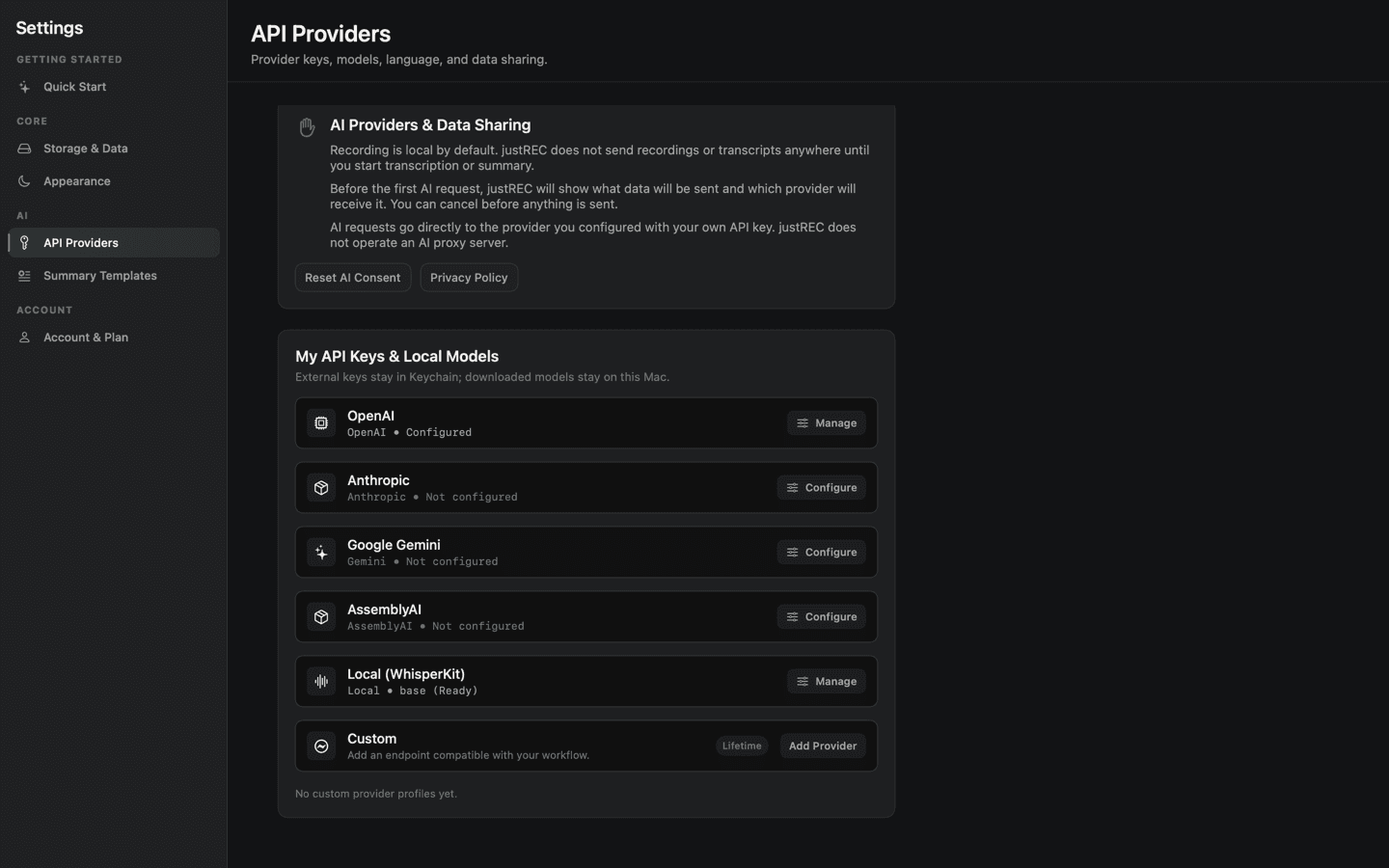
Use your own AI keys. Or run 100% offline.
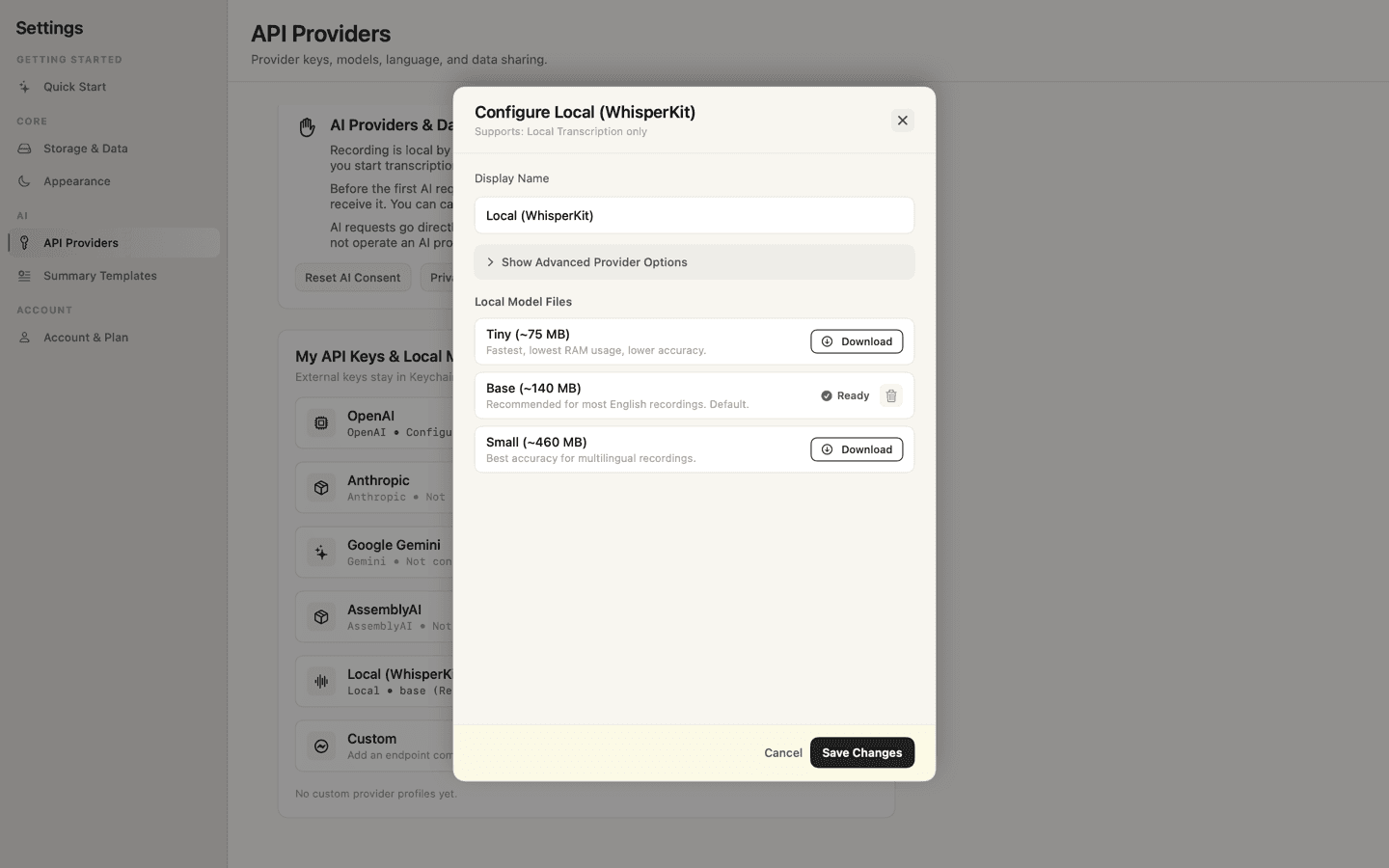
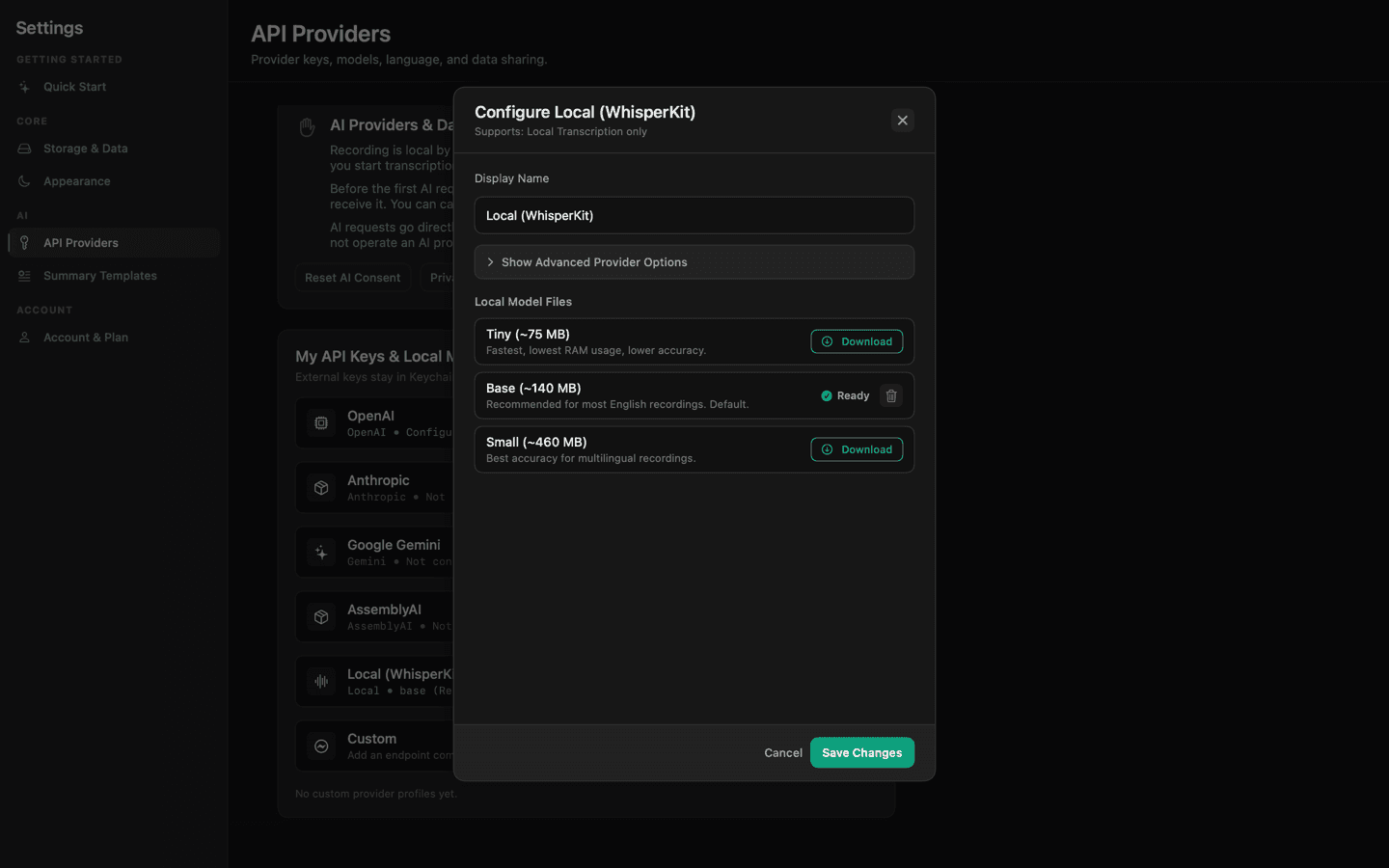
Connect your own provider keys for transcription and summaries, or run local Whisper models on Apple Silicon. Direct Mac connections—no middleman servers, no markup.


API keys are stored directly in your Mac's hardware Keychain and masked inside the app.
Requests go straight to the provider. No justREC cloud servers, no prompt logging, no model training.
Calculate your savings
Why pay $14+/month for a bundled AI markup tax? Connect your own API keys or use local models, and pay only for what you transcribe.
Monthly Meeting Volume
Drag the slider to adjust the number of meeting hours you record per month.
How much do you transcribe?
In practice, most users only transcribe/summarize important calls rather than 100% of recorded meetings.
Select Transcription Engine
Choose the engine configured in justREC settings to calculate your exact raw costs.
Compare Against Subscription
Select a competitor to calculate your relative monthly and yearly savings.
BYOK Economics
Based on 20 hrs/mo (50% transcribed)
Hourly Cost Comparison Matrix
Paying for developer APIs directly avoids SaaS subscription markups. Below is the exact cost per hour of transcription compared to flat monthly fees.
| Transcription Engine / SaaS | Hourly Rate | Monthly Cost (20 hrs) | Monthly Cost (60 hrs) | Key Advantages |
|---|---|---|---|---|
| Local WhisperKit (justREC) | $0.00 / hr | $0.00 | $0.00 | 100% private, works offline, zero cost |
| Gemini 1.5 Flash API (justREC BYOK) | ~$0.07 / hr | ~$1.40 | ~$4.20 | Extremely cost-effective cloud engine |
| OpenAI Whisper API (justREC BYOK) | $0.36 / hr | $7.20 | $21.60 | Industry standard cloud transcription |
| Granola Business | Flat Subscription | $14.00 | $14.00 | Subscription required, cloud-stored notes |
| Fathom Premium | Flat Subscription | $20.00 | $20.00 | Requires calendar bot on calls |
Built for long meetings.
Large recordings can be split into smaller parts, processed step by step, and resumed if something fails. Progress is saved locally.
Auto-split for reliable processing
Visual feedback on status
Context preserved on disk
Never restart from scratch
Product interviews
Tag insights in real-time and let AI extract key pain points and feature requests automatically.
Customer calls
Capture every detail and sync action items to your CRM or task manager.
Team syncs
Convert rambling 30-minute dailies into 2-minute bullet point summaries.
Founder updates
Record loom-style updates for investors or the whole company with clean transcripts.
Consulting sessions
Billable hours matched with exact meeting records for total client transparency.
Research calls
Detailed diarization and automated glossary creation for complex topics.
Simple pricing
Start free. Unlock the full workflow once.
Free
For trying the core meeting workflow.
- Record meetings
- Local storage
- BYOK transcription and summary
- Up to 3 projects
- Markdown / Text / Clipboard export
Lifetime
For people who use meetings as part of their work.
- Local screen & video recording
- Local Tasks & action items workspace
- On-device Local WhisperKit transcription
- Unlimited projects
- Import external audio and video files
- Custom summary templates
- Custom provider profiles & endpoints
- DOCX / PDF / SRT / VTT / JSON exports
Explore resources
Learn more about local-first meeting recording and how justREC compares.
Frequently Asked Questions
Everything you need to know about justREC's local-first recording, privacy architecture, and pricing model.
justREC is built as a local-first application. All audio recordings, transcripts, meeting summaries, and configuration files are saved directly to a folder you select on your Mac's hard drive. No cloud servers are used, and no meeting data is ever uploaded or cached on justREC servers.
Conventional meeting recorders charge monthly subscription fees ($15-$30/mo) to cover AI transcription costs. With justREC, you connect your own developer API keys (such as OpenAI, Anthropic, or Gemini) and pay the raw API cost directly. A typical call costs under $0.15/hour, which saves up to 90% compared to standard subscriptions.
Yes. justREC supports offline local transcription using WhisperKit. If you use a modern Apple Silicon Mac (M-series chip), you can run Whisper models locally on your computer. This means your transcription is 100% private, works without an internet connection, and is completely free.
No. justREC does not require a user account, cloud registration, or email signup. You simply download the macOS application and start recording immediately.
Yes. justREC supports capturing both your microphone (your voice) and macOS system audio (the other meeting participants) simultaneously. This ensures both sides of the call are captured clearly.
Start with your next meeting
Record locally, process with your own AI keys, and keep the results as clean files on your Mac.